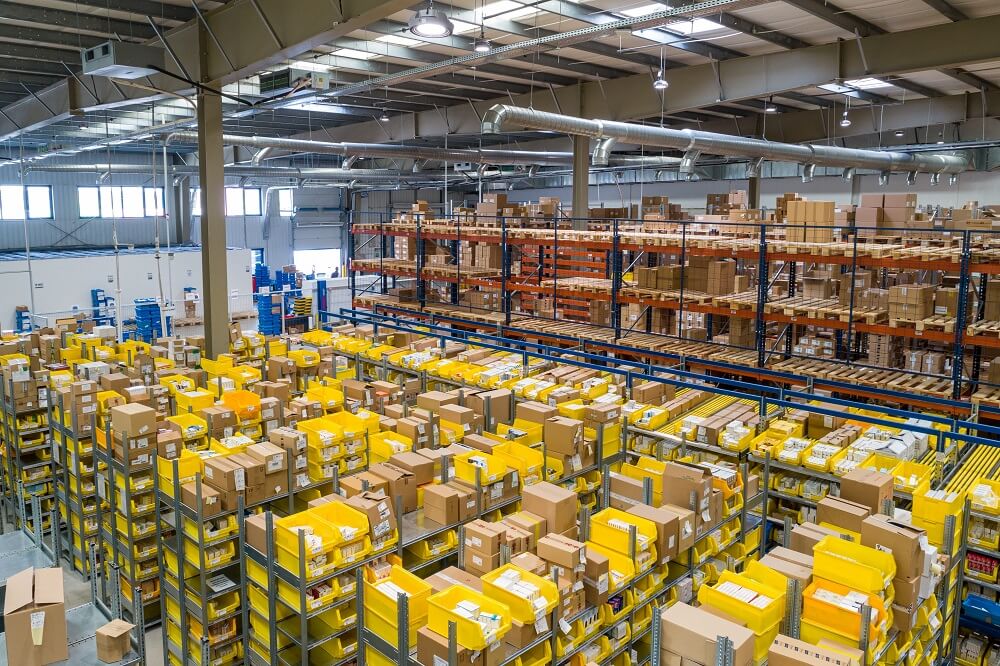

Inventory Is a Promise, Not Just a Quantity
A shopper sees an available product and expects the store to ship it. For a growing DTC brand, the operational question is not simply how many units exist somewhere in the supply chain. It is how many correctly identified, usable units are available at the right fulfillment location for the orders you have accepted. Shopify distinguishes on-hand, available, committed, unavailable, and incoming inventory. On hand includes available, committed, and unavailable stock at a location; incoming stock is not yet available to sell. That distinction is the foundation of an honest delivery promise. [1]
The early-stage store can sometimes manage a small catalog with a spreadsheet and a daily count. Expansion changes the problem: colors and sizes multiply, a creator launch produces a sudden demand spike, inventory arrives in waves, and the same product may live in a retail store, a brand studio, and a 3PL warehouse. The goal of this guide is to establish a decision-ready operating model rather than prescribe a universal app or promise perfect stock accuracy.
Define One Sellable Quantity for Every Variant and Location
Start with the SKU or variant that the picker actually handles. A blue medium shirt and a blue large shirt need separate identifiers even if the product page presents them together. Build a master record with the Shopify variant, internal SKU, barcode if used, pack configuration, dimensions, storage conditions, and current fulfillment location. The brand should own the mapping; the warehouse should confirm that a physical scan resolves to one and only one pickable item.
Shopify tracks inventory separately at each location. A unit recorded in a location that does not fulfill online orders can appear in your total on-hand inventory yet be unavailable to online shoppers. A product also has to be active at a location before its stock can be sold from there. Shopify explicitly notes that location counts cannot simply be pooled into one location-level balance. [2] A store that only looks at a company-wide number can therefore believe it has stock while the specific fulfillment location has none.
| State or field | What it answers | Warehouse-control question |
|---|---|---|
| On hand | How many physical units are recorded at this location? | Did receiving and cycle counts verify those units? |
| Available | How many can be sold now? | Are safety stock and damaged goods excluded? |
| Committed | How many are tied to accepted orders or reservations? | Are canceled orders released correctly? |
| Unavailable | How many are held for quality, safety stock, or other reasons? | Who may clear a hold, and how is it documented? |
| Incoming | How many are expected but not yet received? | Is the arrival date realistic, and has the receipt been checked? |
For an illustrative example, a location with 300 units on hand, 48 committed, and 22 unavailable has 230 available under Shopify's inventory-state model. Those numbers are hypothetical, not Dropp customer data. If 90 more units are in transit, they remain incoming until received and made available. Do not use an inbound purchase order as an excuse to sell finished inventory before the actual product is ready. [1]
Decide Which System Owns Each Update
The most damaging integration failure is not always a hard outage. It can be two systems both believing they own the same field. Before connecting a fulfillment provider, document which system owns product metadata, physical receipts, hold status, stock adjustments, order allocation, cancellations, and shipment tracking. Name the event that moves each field and the team responsible when it fails.
A simple integration contract can say: the brand approves the SKU catalog and sellable-channel rules; the warehouse records physical receiving and exceptions; the configured connection passes agreed inventory and fulfillment events; and a named operator reconciles differences. This is a proposed operating design, not a claim that every Shopify-to-Dropp workflow already has every automation switched on. Shopify supports app-based fulfillment and custom email-based services, but their status behavior differs. An email-based custom service does not automatically update the order status in Shopify; an app's behavior depends on its implementation. [3] [4]
Before launch, test at least one normal order, one multi-line order, a partial shortage, a canceled order, a late tracking update, and a variant whose barcode differs from its Shopify SKU. Review the actual status in both interfaces and the merchant-facing notification. If a test fails, do not merely retry until it appears to work; identify whether the issue is mapping, timing, permissions, location assignment, or a real inventory discrepancy.
Treat Multi-Location Routing as a Configuration Decision
Brands sometimes assume that the nearest warehouse automatically gets an order. Shopify says order assignment depends on available inventory and the routing rules a merchant configures; geographic proximity is not the default priority unless the relevant rule is set. Depending on settings and stock, an order may be split or a location may oversell. [5] That means a second warehouse is not a speed feature on its own. It is an extra set of inventory decisions.
Create a routing matrix with a primary location for each product family, eligible backup locations, split-shipment policy, and exception owner. Test a basket where all items fit at one warehouse, one where only two warehouses have the products, and one where a popular variant is depleted during a launch. Compare the merchant's desired customer promise against the actual configuration and carrier service options.
For a discussion of physical placement and parcel economics, see the warehouse location strategy guide. For the operational handoff to a provider, the expanded Shopify fulfillment guide sets out a testing and reconciliation sequence. Neither page implies that any store automatically receives a particular delivery time or routing behavior.
Reserve Launch Stock Deliberately
A DTC brand preparing a product drop may want to hold units for a scheduled email campaign, a creator collaboration, or a live-shopping event. The control is to define which stock is reserved, how it is represented in Shopify, who can release it, and when the hold expires. Shopify's unavailable state can represent stock held by an app or set aside as safety stock. [1] The accounting of that reserve still has to match the warehouse's physical units.
Do not reserve the same 100 units in a Shopify location, a campaign spreadsheet, and an external marketplace tool as if those were three different piles of stock. If Whatnot and the Shopify storefront draw on shared physical inventory, write one cross-channel allocation rule. Decide whether the Whatnot show gets a fixed pool, whether unsold units return to online availability after a count, and when an order is considered committed. Use the live-selling inventory guide and Whatnot fulfillment guide to build the show-specific exception plan.
If a merchant wants to sell before replenishment arrives, Shopify has a deliberate Continue selling when out of stock setting. Shopify also warns that multi-location settings affect overselling behavior. [6] Make preorder language visible to the shopper, verify the expected inbound date, and decide whether the warehouse may ship other basket items separately. An unintentional negative quantity is not the same as a clearly labeled preorder.
Reconcile Physical and Digital Inventory on a Cadence
The stock file changes when a shipment arrives, a packer picks an item, a customer cancels, a damaged item is found, or a manager releases a hold. A periodic full count can find errors, but targeted cycle counts help the team see them sooner. Choose a cadence based on order velocity and risk: fast-moving or high-value variants might be checked more frequently than low-volume accessories. Do not present a particular frequency as a platform requirement.
At every variance, record the SKU, location, expected quantity, physical count, reason code, correction timestamp, and approver. Investigate the process that caused the mismatch. Did a partial receipt get accepted as complete? Was a promo kit assembled without decrementing components? Did the wrong variant receive a return? Did a storefront cancellation restore sellable stock while the warehouse had already packed the parcel? The corrective action matters more than a silent quantity edit.
An exception queue should distinguish three states: physical count uncertain, digital event failed, and customer order at risk. The last category has a deadline and communication owner. If the team cannot verify a unit before the shipping cutoff, it should not simply mark the order fulfilled to keep a dashboard green. Shopify allows tracking to be added during or after fulfillment; whether customers receive a notification depends on the actual workflow settings. [7]
Forecast Replenishment Without Pretending the Future Is Certain
An operating reorder point can be built from demand during supplier lead time plus a safety buffer, but the inputs need context. A viral livestream, a wholesale transfer, and steady storefront demand should not be averaged together uncritically. For each product family, record normal demand, campaign demand, lead-time variation, and the cost of running out. The inventory forecasting guide explains how to separate baseline movement from event-driven spikes.
Shopify's incoming state can show expected product from transfers and other sources, but those units are not sellable by default. [1] Compare a supplier's promise with confirmed production, freight departure, warehouse arrival appointment, receipt count, and release-from-quality status. When one milestone moves, revise campaign availability rather than relying on an old ETA. A replenishment plan should account for how long it takes to label, inspect, and put away stock after it reaches the dock.
A 30-Day Control Plan for a Growing Store
In the first week, inventory every variant and location, retire duplicate SKUs, identify stale holds, and choose an owner for each stock field. In the second week, document the system handoff and run order and cancellation tests. In the third week, pilot cycle counts, create an exception queue, and measure how long it takes to resolve a difference. In the fourth week, stress-test a planned promotion or live event and rehearse the escalation path if incoming goods are late.
Use the following review as an internal working table, not a provider guarantee:
| Weekly review | What to compare | Decision if the number changes |
|---|---|---|
| Sellable by variant | Shopify available versus warehouse released stock | Investigate mapping and holds |
| Orders at risk | Accepted orders versus pickable units | Pause promotion or communicate an exception |
| Stock by location | Assigned orders versus local availability | Review routing and transfer options |
| Receiving backlog | Expected cartons versus counted and released cartons | Update launch timing |
| Variances | Count differences and repeat reason codes | Fix the workflow, then adjust the balance |
If your brand has reached the point where these controls are consuming more founder time than product and customer work, explore ecommerce fulfillment, compare 3PL pricing inputs, and contact Dropp with a current SKU list, volume history, locations, and planned promotions. The right integration plan should be scoped from your actual Shopify settings and tested before orders are routed to a new fulfillment location.
Frequently Asked Questions
Is on-hand stock the same as stock available to sell?
No. Shopify says on hand includes available, committed, and unavailable stock at a location. Incoming inventory is not yet available. [1]
Does Shopify always route an order to the nearest warehouse?
No. Routing depends on configured rules and available inventory; Shopify says proximity is not the default rule. [5]
Can a brand use its own warehouse and a 3PL at the same time?
Shopify supports multiple locations and fulfillment services for the same product, but each location has its own quantity and assignments depend on configuration. [2]
Does a custom fulfillment service automatically update tracking?
Not when configured as Shopify's email-based custom fulfillment service; progress requires separate communication or updates. App-based services may provide updates, depending on the specific implementation. [3] [4]